
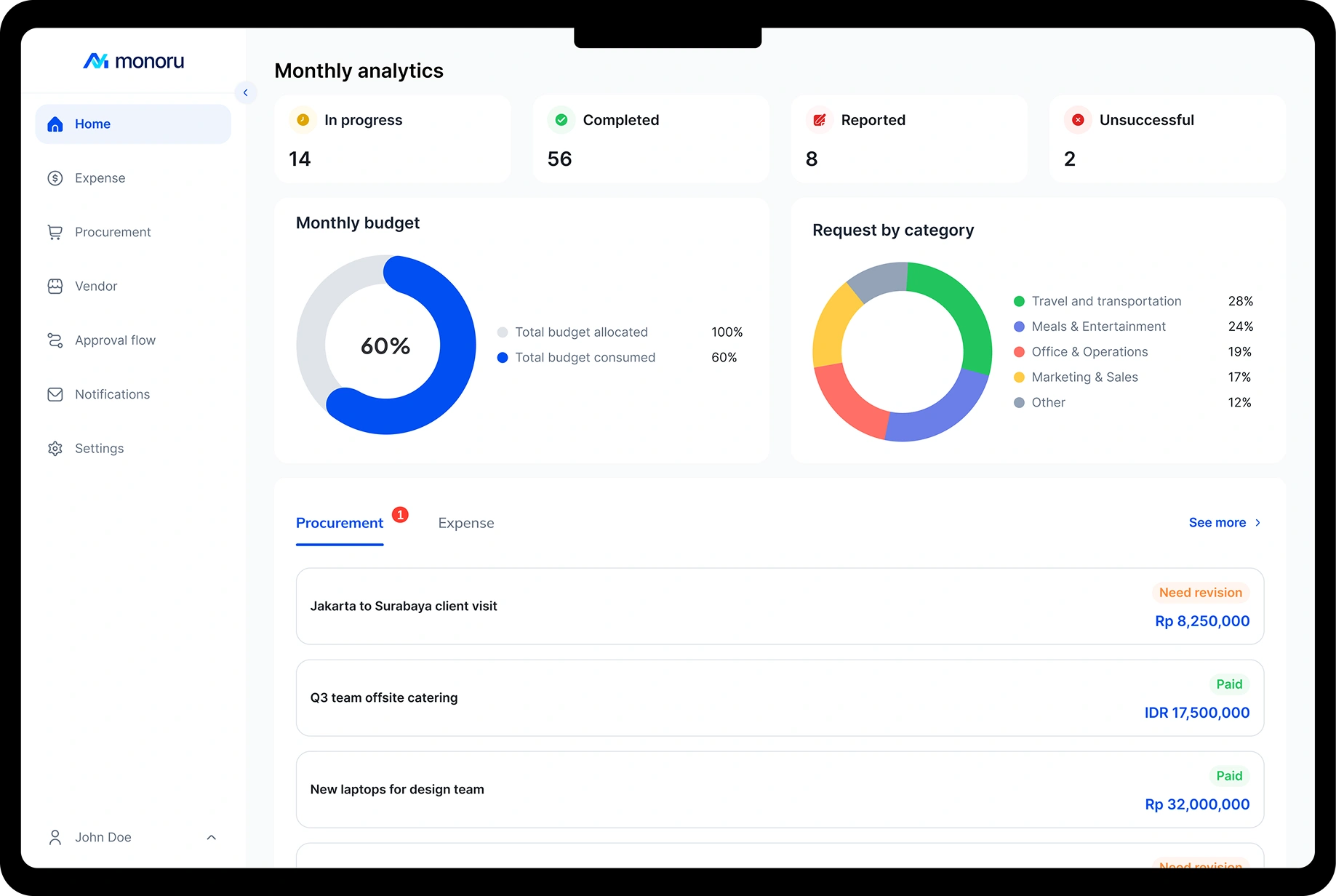
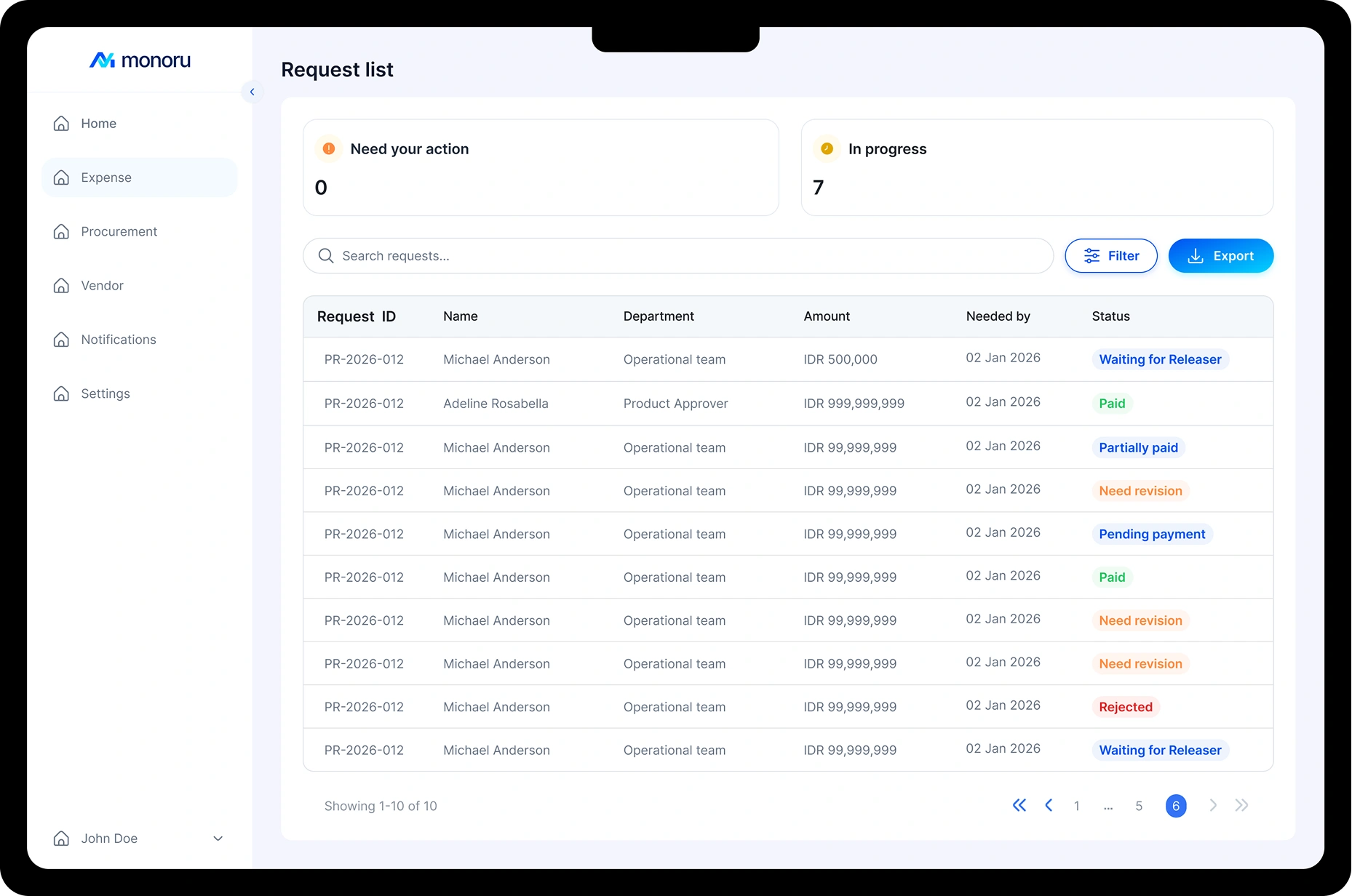
Take Control of Every Business Spend
Expense
Optimize business expenses with layered approvals for better budget control.


Procurement
Bring your entire procurement process into one integrated platform with end-to-end control and visibility.

'%3e%3cpath%20d='M1401.58%20432.7V805.81C1401.58%20822.11%201388.37%20835.32%201372.07%20835.32H1206.05C1189.75%20835.32%201176.54%20822.11%201176.54%20805.81V403.19H1372.07C1388.37%20403.19%201401.58%20416.4%201401.58%20432.7Z'%20fill='white'/%3e%3cpath%20d='M1347.25%20103.61L1221.36%20321.84H1220.51C1220.51%20324.04%201162.4%20424.85%201102.25%20528.63L1084.63%20559.13C1080.73%20565.82%201076.92%20572.43%201073.11%20579.04C1019.57%20671.38%20972.04%20753.21%20972.04%20753.98L925.111%20835.31H669.35L622.501%20753.98L560.831%20646.98L560.321%20646.13L541.601%20613.6L501.951%20544.9C501.781%20544.64%20501.611%20544.39%20501.531%20544.05C495.931%20533.72%20496.101%20521.09%20502.031%20510.84C502.121%20510.42%20502.371%20510.08%20502.631%20509.66L576.251%20392.58L577.851%20390.04C591.581%20368.26%20623.521%20368.86%20636.391%20391.14L767.621%20618.26C780.751%20641.05%20813.621%20641.05%20826.751%20618.26C924.011%20449.93%201049.89%20232.12%201143.84%2069.3799C1149.94%2058.8799%201161.13%2052.3599%201173.33%2052.3599H1317.68C1343.94%2052.3599%201360.46%2080.9099%201347.25%20103.61Z'%20fill='white'/%3e%3cpath%20d='M797.18%20669.51L759.74%20753.97H746.95C670.28%20753.97%20599.37%20713.22%20560.83%20646.97L560.32%20646.13L541.6%20613.6L501.53%20544.05L443.9%20443.83C480.15%20377.93%20516.4%20312.03%20552.65%20246.13L636.4%20391.14L767.63%20618.27L797.2%20669.52L797.18%20669.51Z'%20fill='white'/%3e%3cpath%20d='M895.88%20315.48C877.33%20347.67%20847%20400.2%20823.11%20441.54C810.15%20464.08%20777.7%20463.99%20764.74%20441.54C724.58%20371.9%20676.97%20289.64%20636.65%20219.75C623.6%20197.3%20591.24%20197.22%20578.2%20219.75C507.97%20341.74%20416.9%20500.25%20343.79%20627.07L331.42%20648.5L300.75%20701.62L223.66%20835.3H0L77.18%20701.62L132.16%20606.23L472.29%2016.86C478.31%206.44%20489.49%200%20501.52%200H713.82C725.85%200%20736.95%206.35%20742.96%2016.86C793.03%20103.52%20845.72%20194.93%20895.96%20281.94C901.98%20292.36%20901.89%20305.07%20895.88%20315.49V315.48Z'%20fill='white'/%3e%3cpath%20d='M958.44%20390.34C921.86%20456.04%20883.21%20518.14%20846.63%20583.84L752.83%20420.91L688.66%20309.88L607.41%20169.2L704.79%200.0498047C722.41%200.0498047%20738.69%209.43981%20747.51%2024.6998C774.16%2070.8398%20800.75%20117.04%20827.33%20163.15L864.58%20227.56L958.45%20390.34H958.44Z'%20fill='white'/%3e%3c/g%3e%3cdefs%3e%3cclipPath%20id='clip0_9091_12921'%3e%3crect%20width='1401.58'%20height='835.32'%20fill='white'/%3e%3c/clipPath%3e%3c/defs%3e%3c/svg%3e)
Smart Tools for Smarter Businesses

Keep budgets on track
Manage team budgets and spending to prevent unnecessary spending.

Minimize risk better
Every transaction goes through layered approvals for better security, fraud prevention, and ensure compliance.

Simplify spending reports
All transactions are seamlessly tracked for clear and reliable financial reports.
Control Without Blind Spots
Set roles and approval flows based on your team structure to keep spending controlled and compliant.


Requester
Submit expense reimbursements or purchase requests via mobile.

Approver
Review and approve team requests quickly via mobile.
*Available on Pro plan

Releaser
Manage financial activities, payments, and records with full control from the dashboard.
*Available on Pro plan

Purchaser
Manage purchase requests, vendor coordination, and purchasing approvals from the dashboard.
*Available on Pro plan

Admin
Sets team structure, roles, and approval flow from the dashboard.
*Available on Pro plan

Super Admin
Manage the entire system with full control over company profiles, permissions, subscriptions, and team settings.
Handle Expenses in Your Pocket


Request, track, and approve every expense and purchase right from the Monoru app.


FAQ
Monoru offers a free plan with essential features to support your initial needs. For larger team capacity and access to more advanced features, Monoru also provides subscription plans that can be tailored to your company’s needs.
Monoru is designed for personal users, small teams, and companies looking to manage expense and procurement more efficiently.
Yes, Monoru is available as a mobile app for selected request and approval roles, and can be downloaded from the Google Play Store and App Store. Releaser, Purchaser, and Admin roles can use the desktop version for a better experience.
You can get started by registering an account, then accessing the dashboard to set up your workspace and invite team members based on your needs.
If you need to add more team members beyond your plan quota, please contact our Customer Support. We will help adjust your team capacity based on your company’s needs.
Once your subscription expires, your account will become inactive. The Super Admin can renew the plan at any time so your team can continue accessing Monoru’s features without interruption.